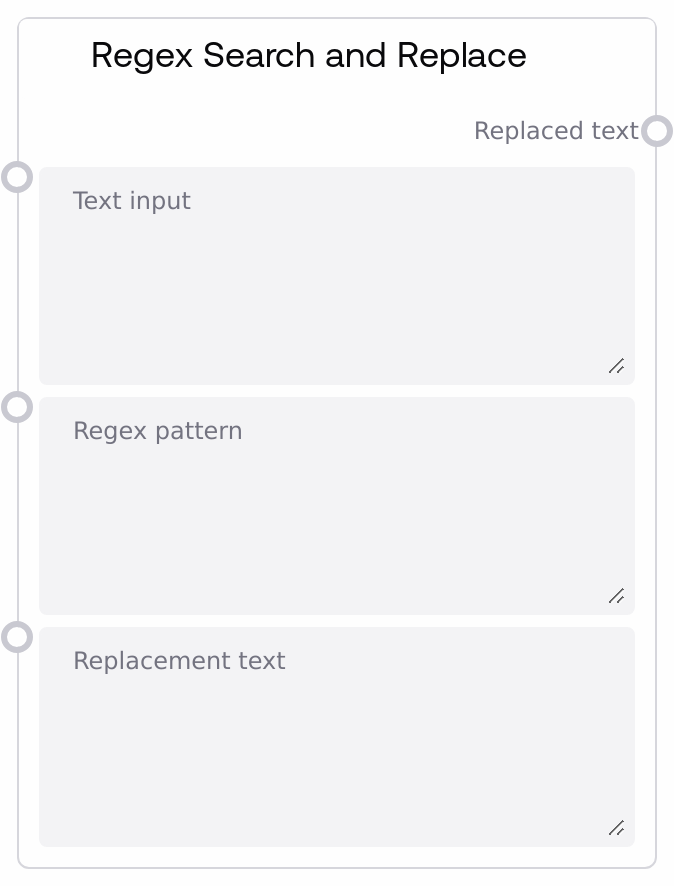
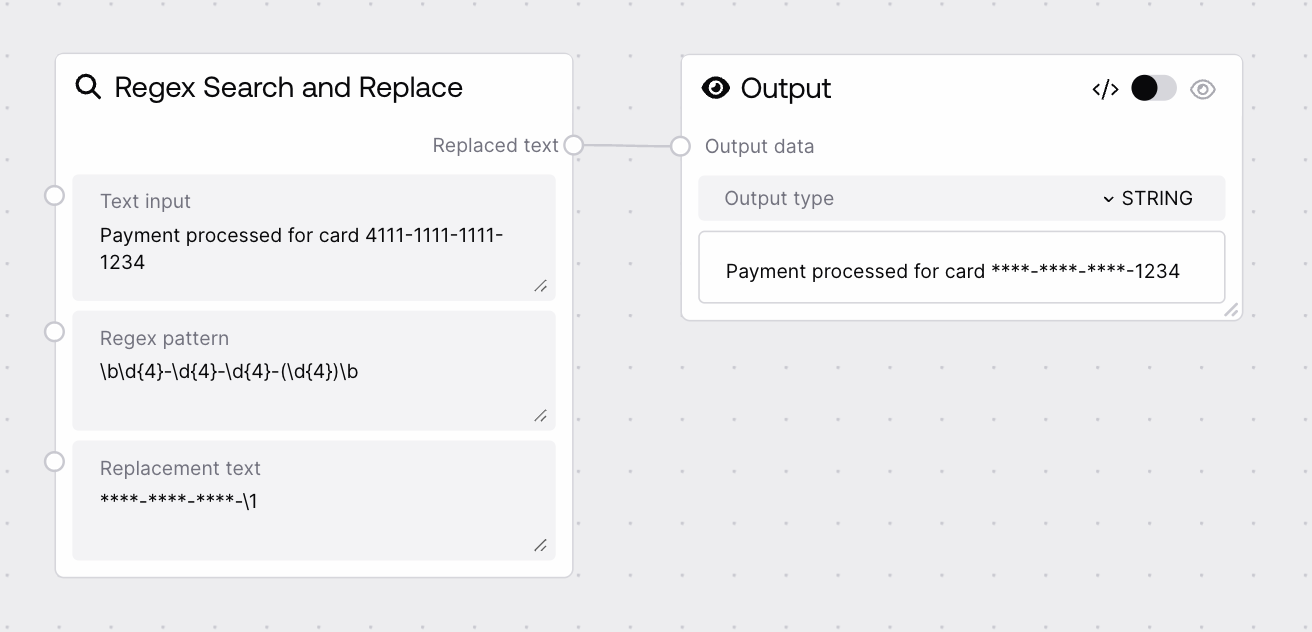
This node performs a global regex-based find-and-replace on an input string. You provide the source text, a regular expression pattern to match, and the replacement text. Every substring that matches the pattern is replaced, and the node outputs the fully updated string.
Use this node when you need pattern-driven text clean-up or transformation. Typical use cases include anonymizing sensitive data (masking emails, IDs, or phone numbers), normalizing formats (standardizing dates or codes), cleaning logs, or rewriting recurring phrases in generated content. It is usually placed after nodes that generate or fetch text (such as API response or text builder nodes) and before nodes that further parse or consume structured text (like splitters, JSON interpreters, or prompt dispatchers). A common pattern is to first experiment with your pattern using SAIStringRegexSearchMatch to inspect matches, then pass the same pattern into this node with a suitable replacement. Keep patterns as specific as possible and test on sample data before applying them to large or critical texts.
The input text where replacements will be made. Can be any plain text, including multi-line content such as emails, logs, or long-form documents. The entire string is scanned; all substrings that match the regex_pattern are candidates for replacement.
Customer: Jane Doe Email: jane.doe@example.com Backup Email: j.doe@backup.org
regex_pattern
True
STRING
The regular expression pattern used to find matches in the text. Uses standard Python regular expression syntax, supporting character classes, groups, quantifiers, anchors, and word boundaries. The pattern is applied globally. Invalid syntax will cause the node to fail at runtime.
\b[\w.-]+@[\w.-]+\.[A-Za-z]{2,}\b
replacement_text
True
STRING
The text that will replace each match found by regex_pattern. May be a static string or include backreferences to capturing groups in the pattern (for example \\1, \\2). Every match is replaced with this value (after expanding any backreferences).
The text after applying the regex-based replacements. Structure and length may differ from the input depending on how many matches were replaced. Downstream nodes can use this cleaned or transformed text for further parsing, display, or as input to other processing steps.
Customer: Jane Doe Email: [redacted_email] Backup Email: [redacted_email]
Performance: Very large input strings or highly complex regex patterns (especially with nested or greedy quantifiers) can be slow and increase workflow latency.
Limitations: The pattern must be valid Python regex; unsupported constructs or malformed expressions will cause an error instead of partial processing.
Behavior: Replacement is global across the entire text; there is no built-in option to limit the number of replacements or only replace the first match.
Behavior: Special characters in regex_pattern are interpreted as regex syntax; if you need literal characters like '.', '?', or '(', ensure they are properly escaped.
Common Error 1: Regex compile errors such as "missing ), unterminated subpattern" indicate invalid syntax. Check for unbalanced parentheses, brackets, or incorrect escapes and simplify the pattern until it compiles.
Common Error 2: Output is identical to input. This usually means the pattern matched nothing. Verify case sensitivity, word boundaries, and escaping; test the same regex in SAIStringRegexSearchMatch to confirm matches before using it here.
Common Error 3: Larger-than-expected sections of text are replaced. The regex may be too broad or greedy (for example, using .* between distant tokens). Add anchors, word boundaries, or switch to non-greedy quantifiers like .*? to narrow the match.