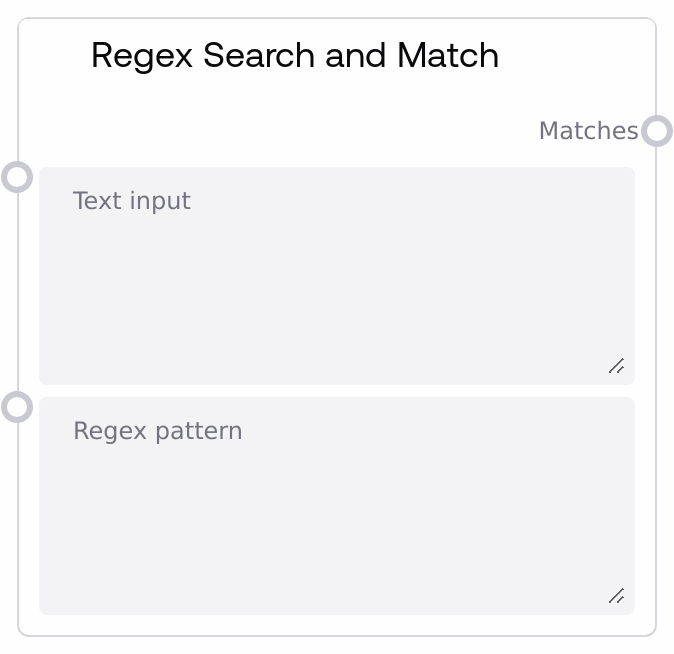
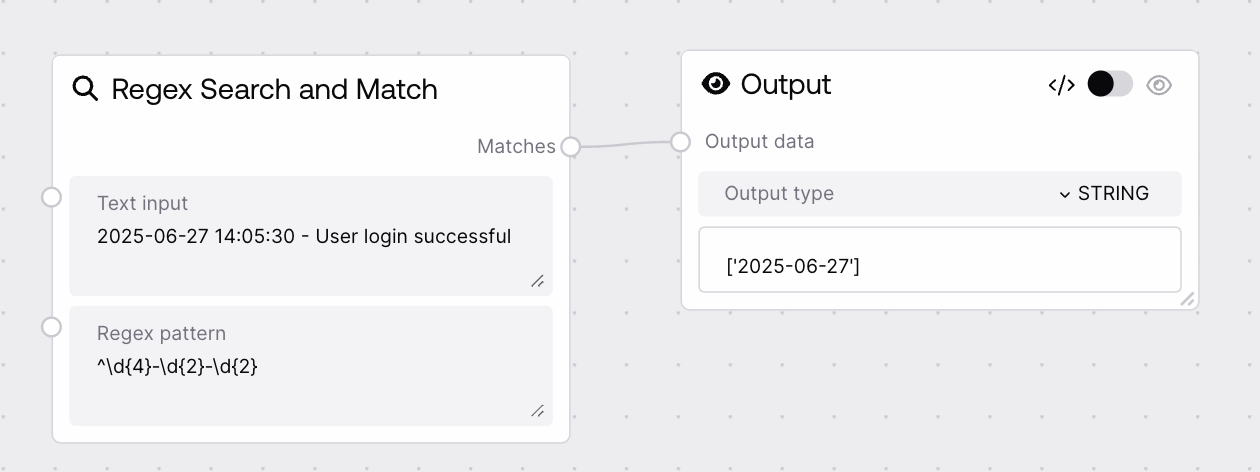
This node runs a regular expression against an input string and returns every match it finds. It uses Python's regex engine to perform flexible pattern-based text extraction, outputting a list of matched substrings. It is useful for pulling structured pieces of information, such as IDs, codes, or specific word patterns, out of larger texts.
Use this node whenever you need to extract all occurrences of a pattern from a block of text. Typical scenarios include pulling all order IDs from logs, extracting emails or URLs from user input, or finding words that match a format such as fixed-length words or uppercase acronyms. It usually sits downstream from nodes that produce or load text (for example, text-generation, file input, or HTTP input nodes) and upstream from nodes that operate on lists, such as filtering, branching, or templating nodes. This node works well alongside SAIStringRegexSearchReplace when you need both detection and modification: first use SAIStringRegexSearchMatch to verify or debug the pattern, then use SAIStringRegexSearchReplace to apply transformations. For best results, test your regex patterns on sample input, keep them as specific as possible to reduce false positives, and encode flags like case-insensitivity directly in the pattern using constructs such as (?i) if needed.
The text in which to search for matches. This can be any UTF-8 string, including multi-line content. The entire string is scanned with the regex. There is no explicit enforced length limit in the node, but very large texts will increase processing time and memory usage.
Order summary: - Primary order ID: ORD-102938 - Backup IDs: ORD-555111, ORD-555222 Contact: support@example.com
regex_pattern
True
STRING
The regular expression pattern to search for in the input text, using Python re syntax. You can use character classes, quantifiers, groups, anchors, and inline flags. If the pattern contains capturing groups, the results follow Python's re.findall semantics: the output will contain group contents instead of the full match. Invalid patterns will cause the node to error.
A list of all matches found by the regex pattern in the input text, in order of appearance. If the pattern contains no capturing groups, each list element is a string containing the full matched substring. If the pattern has one capturing group, each element is the captured string. If the pattern has multiple capturing groups, each element is a tuple of captured strings. If no matches are found, this list is empty.
Performance: Very large input strings or complex regex patterns (especially with nested quantifiers) can slow execution; simplify patterns and reduce text size where possible.
Limitations: Regex flags such as case-insensitive matching are not separate inputs; embed them directly into the pattern using syntax like (?i).
Behavior: When the regex includes capturing groups, the output list reflects group matches rather than the entire matched substring, potentially returning tuples per match.
Behavior: If no text matches the pattern, the node returns an empty list instead of raising an error, so downstream nodes should handle the empty-list case.
Empty matches list: If matches is an empty list, verify the pattern against the exact text, paying attention to case sensitivity, escaping special characters (for example, use \. for a literal dot), and word boundaries (for example, \b may exclude punctuation-adjacent words).
Unexpected partial matches or tuples: If the output elements are only parts of what you expect, or tuples of values, your regex likely uses capturing groups; change groups to non-capturing (?:...) or adjust the pattern to capture exactly what you want.
Regex compilation error: If the node fails with an error referencing the regex, check for syntax issues like unbalanced parentheses, brackets, or invalid escapes; test the same pattern in a Python-compatible regex tester.
Slow or resource-heavy runs: If processing is slow on large documents, look for problematic constructs like .* inside nested groups (which can cause catastrophic backtracking) and replace them with more specific patterns or limit the search to smaller substrings upstream.