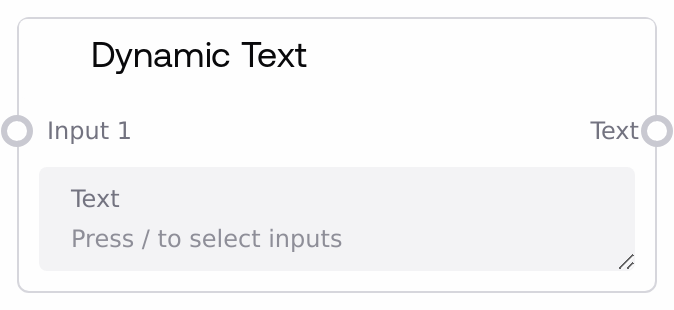
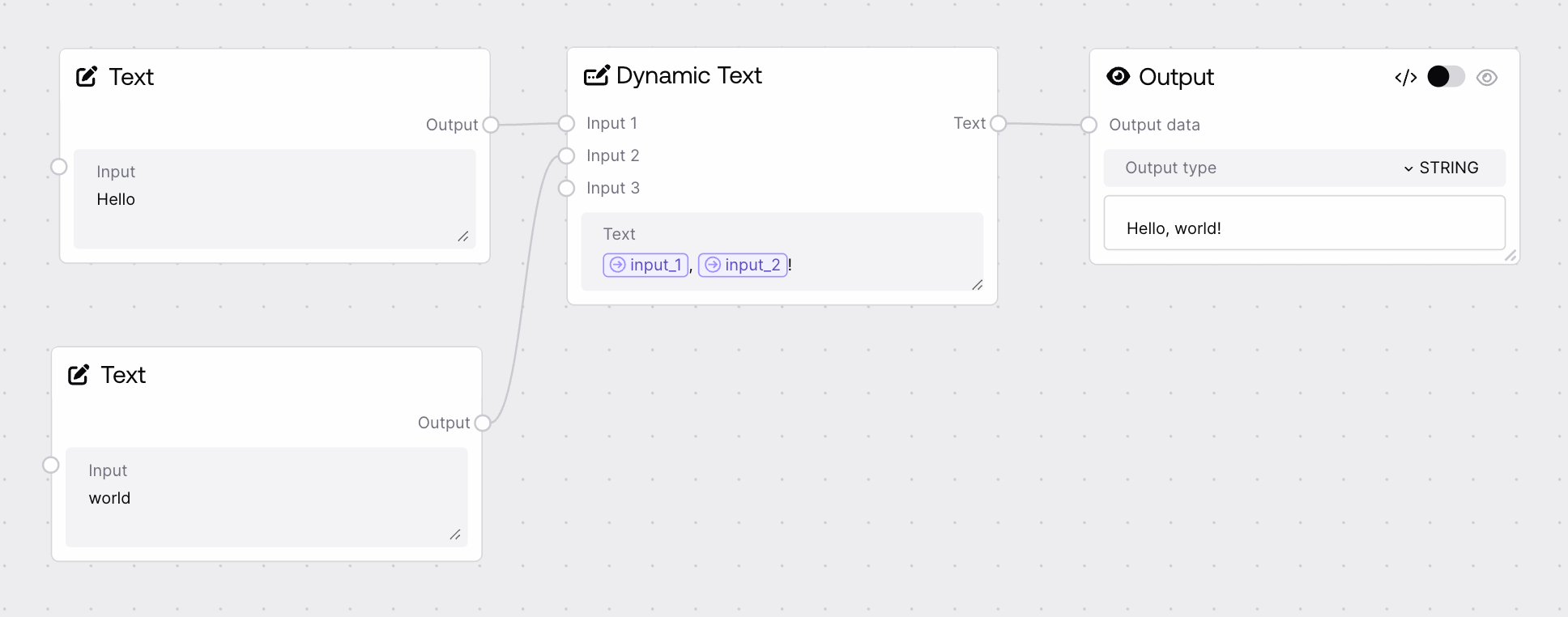
This node lets you compose a text template and inject up to ten dynamic values into it using named placeholders. You write a base string and reference optional input slots (input_1…input_10) with {{input_n}} markers. At runtime the node replaces each placeholder with the corresponding input value and outputs the fully compiled string.
Use this node whenever you need to construct dynamic prompts, messages, or configuration strings that depend on upstream values. Place it after nodes that generate or collect text fragments (for example, user inputs from Salt Workflow Input, extracted fields, or earlier LLM outputs), and before nodes that consume a final, fully formed string (such as model invocation, HTTP calls, or storage/logging nodes). In the text field, type your base template and insert placeholders like {{input_1}}; then connect other nodes to the optional input_1–input_10 fields. Inputs are revealed progressively: input_2 appears only after input_1 is set, input_3 after input_2, and so on, helping keep the UI compact. This node works particularly well combined with Salt Workflow Input (to supply user-provided values), text-processing nodes (to preprocess pieces), and downstream model or action nodes that require a single, well-structured text argument. Prefer this node over manual string concatenation when you want clearer, more maintainable prompt templates or messages.
Template string that can include placeholders referencing optional inputs, using the syntax {{input_1}} … {{input_10}}. The UI provides a variable picker and guidance to help you insert these. Any placeholder that does not have a corresponding input value will simply remain unchanged in the output. Supports arbitrary text length; avoid excessively large templates to keep workflows readable.
Dear {{input_1}}, your order {{input_2}} has been shipped to {{input_3}}. Estimated delivery: {{input_4}}.
input_1
False
STRING
First optional dynamic value. When set, it will replace all occurrences of {{input_1}} in the template. If left empty, the placeholder remains as-is. Typically connected to a user name, title, or primary variable.
The final compiled text after replacing any matching placeholders {{input_1}}…{{input_10}} with their corresponding input values. The output is a plain string that can be passed directly into downstream nodes that accept text, such as model invocation, routing, logging, or notification nodes.
Dear Alex, your order #483920 has been shipped to Berlin, Germany. Estimated delivery: May 12, 2026.
Performance: The node performs straightforward placeholder replacement and is very fast even for fairly long templates; overhead is negligible compared to model calls.
Limitations: Only fixed keys input_1–input_10 are supported; you cannot dynamically create more placeholders beyond these ten slots.
Behavior: Replacement is literal and case-sensitive—only exact matches like {{input_1}} are replaced; mismatched or misspelled placeholders are left unchanged.
Behavior: If an input value is an empty string, its placeholder is replaced with an empty string, which can result in double spaces or awkward punctuation if not handled in the template.
Placeholders not replaced: If you still see {{input_1}} in the output, verify that the template uses the exact key name (including braces) and that the corresponding input_n field is connected or filled.
Hidden inputs not visible: input_2–input_10 appear only after the preceding input is set; to reveal input_3, ensure input_2 has been given a value or connected to an upstream node.
Unexpected leftover braces in output: This happens when there are placeholders with no corresponding value or when braces are used for other purposes; either supply values or adjust the template text to avoid accidental {{...}} patterns.
Output format issues: If your compiled text has extra spaces or broken formatting, check how punctuation and spaces are arranged around placeholders, especially for optional inputs that may be empty.