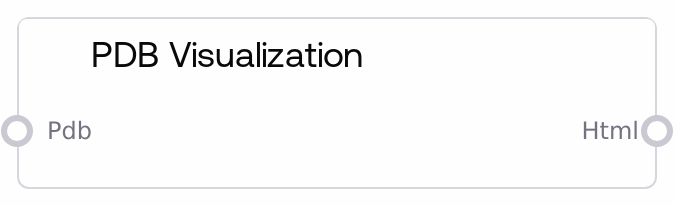
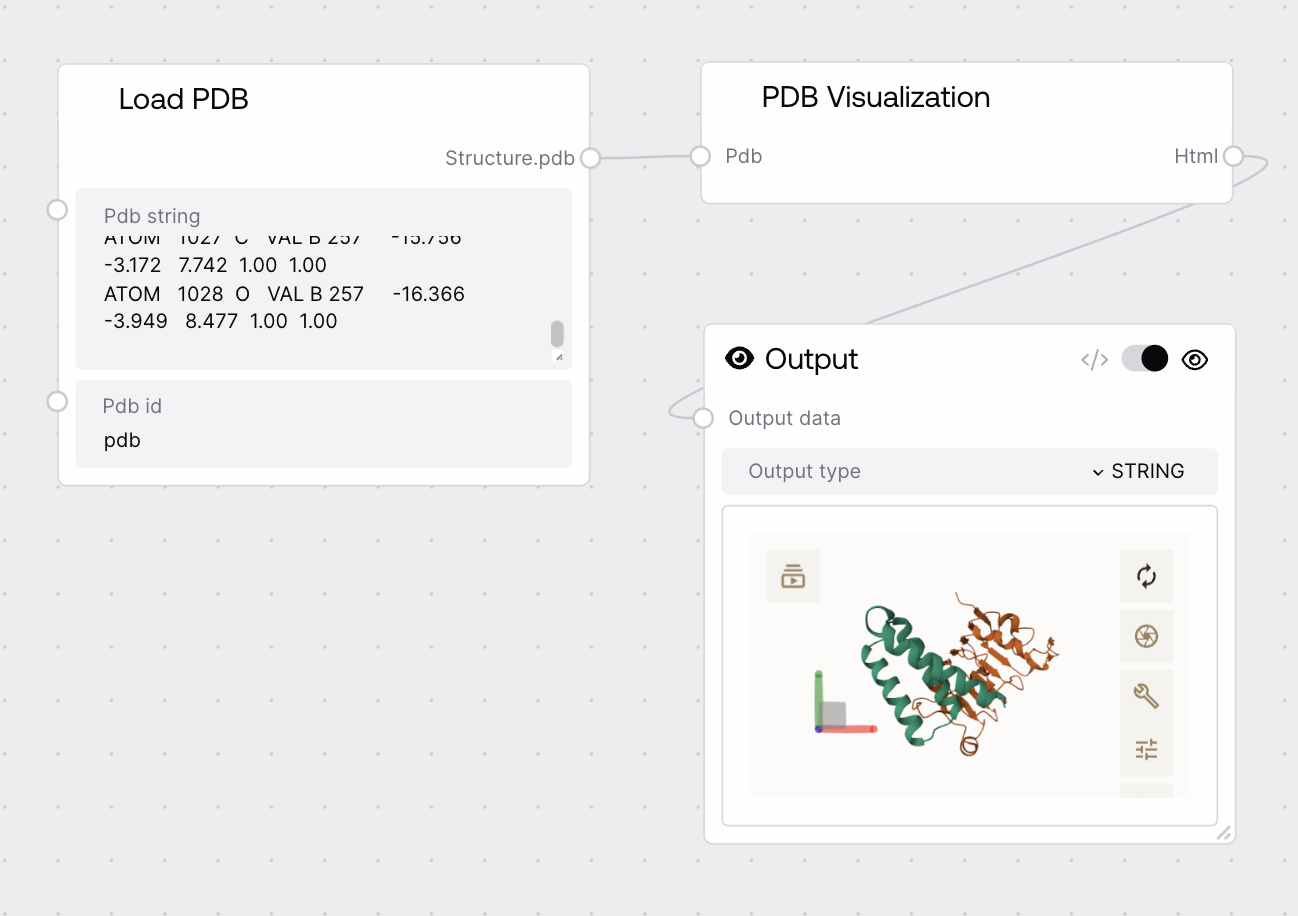
This node accepts a protein structure as a PDB-format string, uploads it to a backend service, and builds a full HTML page that embeds the Mol* (molstar.org) viewer pointing at the uploaded structure. The output is a single HTML string ready to render for interactive 3D inspection of the protein. Upload handling, URL encoding, and viewer configuration are encapsulated inside the node.
Use this node whenever you want an immediate, interactive 3D visualization of a protein structure that you already have as a PDB string. It is best placed toward the end of a structural workflow, after nodes that load or transform PDB data such as LoadPDBNode, PDBCombinerNode, PdbFixerNode, PDBChainExtractorNode, or Alphafold-related nodes that output PDB files. The node posts the PDB text to a backend endpoint, which stores the structure and returns a structure URL. That URL is URL-encoded and injected into a Mol* viewer URL, all wrapped in a full-screen HTML template. Feed the resulting HTML into any component that can render full HTML documents (web dashboards, notebook outputs, custom viewers). For clean visualizations, do any fixing, filtering, or chain selection upstream and reserve this node purely for visualization.
Complete protein structure content in standard PDB text format as a single string. It must contain valid PDB records (HEADER, TITLE, ATOM/HETATM lines, END, etc.) with line breaks preserved. Oversized or malformed PDB data can cause backend upload errors or timeouts.
HEADER OXYGEN TRANSPORT 07-JUL-21 1XYZ TITLE HUMAN HEMOGLOBIN BETA CHAIN ATOM 1 N VAL A 1 26.017 24.657 27.492 1.00 35.67 N ATOM 2 CA VAL A 1 25.893 25.955 26.791 1.00 34.21 C ATOM 3 C VAL A 1 24.458 26.413 26.451 1.00 33.10 C ... END
A complete HTML document as a string embedding the Mol* viewer in a full-screen iframe, preconfigured to load the uploaded PDB structure via a structure URL from the backend. This is suitable for direct rendering in a browser, iframe, notebook output, or any UI that accepts full HTML pages.
Performance: The node sends the full PDB string via HTTP POST to a backend service and waits for a JSON response; large structures or slow networks can significantly increase latency and may reach the request timeout.
Limitations: If the backend upload endpoint is unreachable or returns a non-200 HTTP status, the node raises an exception and no HTML is produced. There is no local-only visualization path.
Behavior: The structure URL returned by the backend is URL-encoded and injected into a Mol* viewer URL with controls hidden and the left panel collapsed to maximize the 3D viewport.
Behavior: The node does not validate, normalize, or repair PDB content. Invalid or corrupted PDB strings may upload successfully but fail to render or render incorrectly in the Mol* viewer.
Workflow: Use upstream nodes like PdbFixerNode for structure repair or PDBChainExtractorNode for chain selection before visualization to improve reliability and reduce file size.
Error message: Upload protein to gcp failed: Indicates that the backend upload request failed or returned a non-200 status. Check backend availability, network connectivity, and whether the PDB string is reasonable in size and format. Test with a small, known-good PDB to distinguish content vs. connectivity issues.
Timeout or very slow response: If the node appears to hang or times out, your PDB may be too large or the backend is under heavy load. Reduce the structure (for example, visualize one chain or domain) or retry when the service is less busy.
HTML renders but viewer is blank: When the HTML page loads but Mol* shows nothing, inspect and URL-decode the structure-url parameter in the iframe src and verify it points to an accessible PDB resource. Ensure that storage endpoints and molstar.org are reachable and not blocked by firewalls or proxies.
Embedding issues in other UIs: The output is a full HTML document, not a fragment. Some hosts that expect snippets may render it incorrectly. In those cases, strip the outer <html> and <body> tags and embed only the inner container and iframe, or load the document as a standalone page inside an iframe.