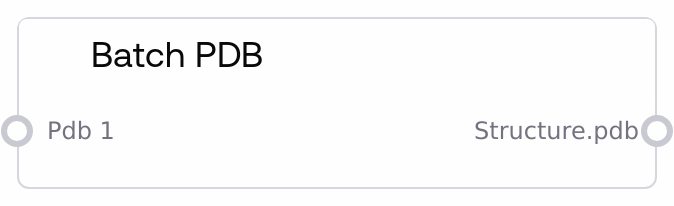
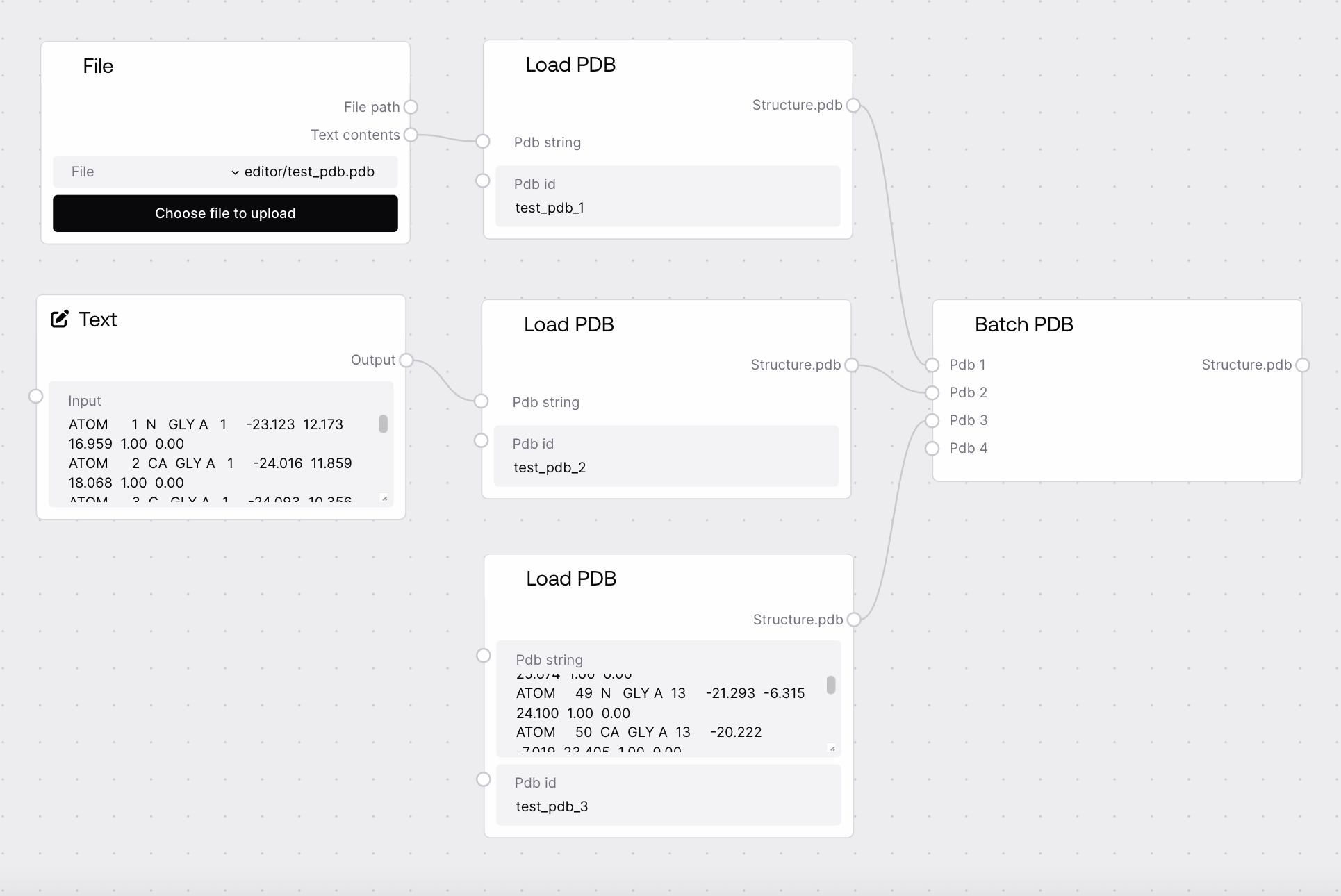
BatchPDBNode takes one or more PDB inputs, each represented as a dictionary mapping pdb_id to PDB text, and merges them into a single combined PDB dictionary. It enforces that all pdb_id keys across the inputs are unique, raising an error if any ID is reused. The node preserves metadata from upstream biotech nodes so downstream nodes can treat the result as a batch of structures.
Use BatchPDBNode when you need to aggregate multiple individual or batched PDB inputs into a single PDB collection before further processing. Typical use cases include combining several structures loaded via multiple LoadPDBNode nodes into one logical batch, assembling inputs for downstream nodes that expect a single PDB dictionary (for example PDBVisualizationNode, PDBToFastaNode, PDBChainExtractorNode, PdbFixerNode, SaveToZipNode, or SaveToBucketNode), and organizing multiple design targets or variants into one batch for execution in an AlphaFold- or RFdiffusion-style workflow. Place this node after any structure-loading or structure-generating nodes that output type PDB, and before nodes that operate on collections of structures. The dynamic inputs (from pdb_1 up to pdb_31) allow you to keep adding PDB sources; each time you connect an input like pdb_1, the next input (pdb_2) becomes available so you can expand the batch as needed. Ensure that upstream nodes assign unique pdb_id values (for example "target1", "target2_mutA") to avoid conflicts. BatchPDBNode does not alter PDB content; it only merges dictionaries and forwards metadata, so use transformation nodes separately when you need to modify the structures.
Primary PDB input to add to the batch. Must be a dictionary of the form {pdb_id: pdb_string}. This can represent a single structure (one key) or an existing batch (multiple keys). All pdb_id keys contained here must not conflict with IDs supplied in other pdb_i inputs.
{"1abc_A": "HEADER TEST STRUCTURE\nATOM 1 N MET A 1 ...\nEND"}
pdb_2
False
PDB
Optional second PDB dictionary to merge into the batch. Becomes visible once pdb_1 is connected. Must follow the same {pdb_id: pdb_string} format and use IDs distinct from any used in pdb_1 or other pdb_i inputs.
{"2xyz_B": "HEADER ANOTHER STRUCTURE\nATOM 1 N GLY B 1 ...\nEND"}
A single merged PDB dictionary mapping pdb_id to PDB content, containing all entries from the connected pdb_i inputs. The structure is {pdb_id: pdb_string}, suitable for downstream biotech nodes that operate on batches of structures. Metadata from the base node is attached so that saving and export nodes can infer filenames and folder structure.
{"1abc_A": "HEADER TEST STRUCTURE\nATOM 1 N MET A 1 ...\nEND", "2xyz_B": "HEADER ANOTHER STRUCTURE\nATOM 1 N GLY B 1 ...\nEND", "design1": "HEADER DESIGNED PROTEIN\nATOM 1 N ALA C 1 ...\nEND"}
Performance: Merging is a simple dictionary aggregation and is generally fast, but very large batches (many large PDBs across pdb_1–pdb_31) can increase memory usage and downstream processing time.
Limitations: The node requires all pdb_id keys across all inputs to be unique; if any ID is reused in multiple inputs, it raises a ValueError instead of silently overwriting.
Behavior: Each pdb_i input can itself be a batch produced by other nodes; the node iterates through all dictionaries and flattens them into a single-level mapping from pdb_id to PDB string.
Behavior: Inputs beyond pdb_1 are dynamically hidden until the previous input slot is connected, which helps keep the interface uncluttered but means you must connect additional PDB sources in order (pdb_1, then pdb_2, and so on).
Duplicate ID error: If you see the message "Expected unique ids in PDBs but got repeating twice.", the same pdb_id appears in more than one input. Ensure that every upstream node uses distinct pdb_id values (for example, rename IDs in LoadPDBNode or adjust dictionary keys before passing them into BatchPDBNode).
Unexpected empty batch: If downstream nodes complain about missing structures or an empty PDB batch, verify that each desired pdb_i input is actually connected and that the upstream node outputs are of type PDB, not FASTA, MSA, or CIF.
Type mismatch when wiring inputs: If the editor does not allow you to connect an output to pdb_i, confirm that the source node output is of type PDB (a dictionary keyed by pdb_id) and not a raw STRING. Use LoadPDBNode or other biotech nodes that produce PDB outputs before feeding into BatchPDBNode.