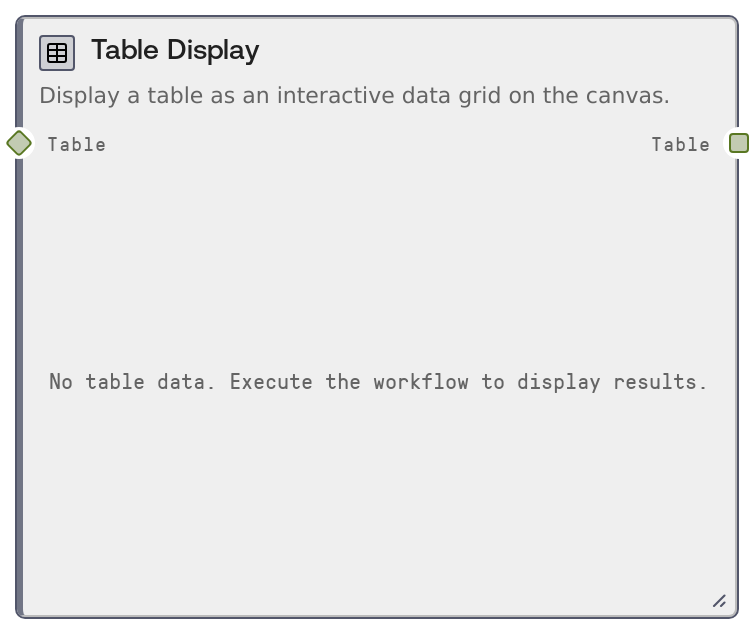
Table Display
SaltDisplayTable renders a TABLE (or compatible DataFrame) as an interactive grid directly on the canvas. It shows a configurable number of preview rows along with column-level statistics computed over the full dataset. The node does not modify the data; it simply visualizes it while forwarding the complete table for downstream processing.
Usage
Use SaltDisplayTable when you need to visually inspect, QA, or present tabular data within a workflow without changing it. It is typically placed after ingestion or transformation nodes such as SaltTableFromCSV, SaltTableFromJSON, SaltTableFilter, SaltTableSort, or SaltTableGroupBy so you can verify the schema, column types, and values at each stage. Because this is an output node, it often terminates a branch that you want to monitor visually, while still feeding its TABLE output into nodes like SaltTableToCSV, SaltTableToJSON, or SaltTableInfo for export or further analysis. The node computes dataset-wide column statistics (such as min, max, mean where applicable, and unique counts), making it useful for quick exploratory checks for anomalies, skewed distributions, or unexpected nulls. In monitoring-style pipelines, you can connect frequently updated tables to this node to maintain a live, sortable grid view for operators. Prefer it whenever humans need to quickly understand or debug table-shaped data in a Salt workflow.
| Field | Required | Type | Description | Example |
|---|
| table | True | TABLE | The tabular dataset to display as a grid. Accepts TABLE values and compatible DATAFRAME-like objects that the platform can normalize into TABLE. The input should include a schema (column names and data types) and row data. Columns may contain numbers, text, datetimes, and booleans. There is no hard limit on input size, but very large tables will take longer to compute statistics and may impact UI responsiveness. | {'schema': [{'name': 'customer_id', 'dtype': 'int64'}, {'name': 'signup_date', 'dtype': 'datetime64[ns]'}, {'name': 'plan', 'dtype': 'string'}, {'name': 'mrr_usd', 'dtype': 'float64'}], 'rows': [[1001, '2024-01-03T00:00:00Z', 'Pro', 249.0], [1002, '2024-01-07T00:00:00Z', 'Free', 0.0], [1003, '2024-01-08T00:00:00Z', 'Business', 899.0]], 'row_count': 5000} |
| max_rows | False | INT | Maximum number of rows to show in the on-canvas preview grid. Valid range is 1 to 10,000. This affects only the UI preview; the full table is always passed through unchanged. Use lower values for very large datasets to keep the interface responsive, and higher values if you need to visually inspect more of the dataset. | 500 |
Outputs
| Field | Type | Description | Example |
|---|
| table | TABLE | The input table, passed through unchanged for downstream nodes. This TABLE preserves the original schema, row_count, and all data rows; UI truncation based on max_rows does not affect this output. Downstream nodes can continue to filter, aggregate, join, export, or analyze this table. | {'schema': [{'name': 'customer_id', 'dtype': 'int64'}, {'name': 'signup_date', 'dtype': 'datetime64[ns]'}, {'name': 'plan', 'dtype': 'string'}, {'name': 'mrr_usd', 'dtype': 'float64'}], 'rows': 'Full dataset of all customer records (for example, 5000 rows) is preserved internally.', 'row_count': 5000} |
Important Notes
- Performance: Column statistics are computed over the full dataset, not just the previewed rows, so very large tables can increase execution time even if max_rows is small.
- Performance: Large max_rows values (near 10,000) may make the grid heavier to render and scroll; start with a few hundred to keep the canvas responsive.
- Limitations: This node is display-only and does not support editing or transforming data; apply cleaning, filtering, casting, and joins in upstream table nodes.
- Behavior: The preview may show fewer rows than the total row_count; internal flags track whether the view is truncated due to the max_rows limit.
- Behavior: DATAFRAME-like inputs are normalized into the TABLE format before preview and output, which may standardize column dtypes compared with the original object.
Troubleshooting
- Only part of the dataset is visible: If you see fewer rows than expected, check the max_rows setting. Increase it if you need to inspect more records; the underlying TABLE still contains all rows even when the preview is truncated.
- Execution feels slow for big tables: Full-table statistics are computed every run. Consider sampling or filtering upstream using nodes like SaltTableSample or SaltTableFilter, or test with smaller subsets during development.
- Columns show unexpected types or formatting: If a column appears with the wrong dtype in the grid, verify that upstream nodes such as SaltTableFromCSV or SaltTableCastType are configured correctly and that parsing and casting are applied before this node.
- No data appears in the grid: Confirm that the upstream node outputs a TABLE-compatible object and that it is correctly wired into the table input. If starting from raw JSON or CSV text, convert it first with nodes such as SaltTableFromJSON or SaltTableFromCSV.