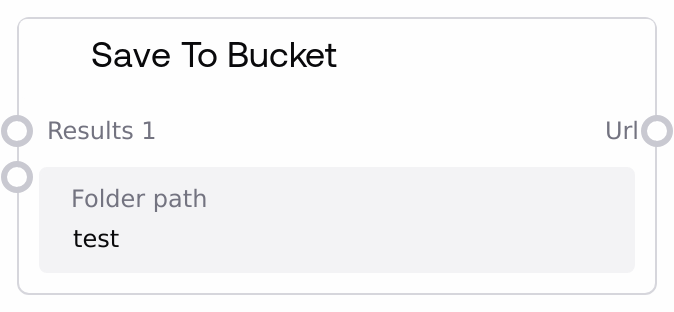
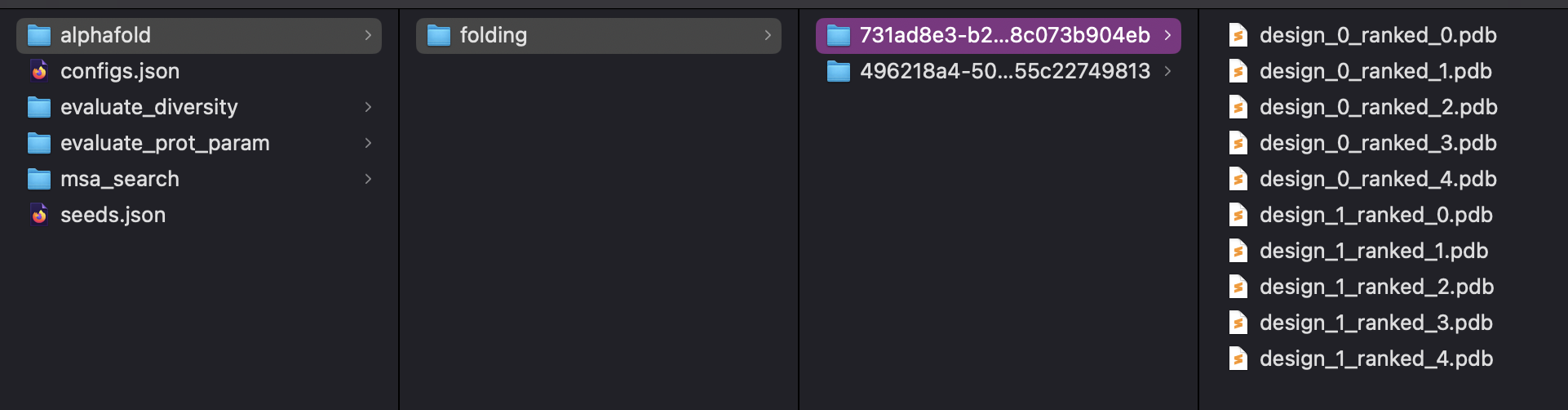
Save To Bucket extends the generic SaveToZip behavior to upload the resulting zip archive into a Google Cloud Storage bucket. It gathers connected upstream outputs, packages them into a structured folder, compresses that folder to a zip file, and stores it under a specified folder path in the bucket. Results from multiple workflow runs can share the same bucket folder while remaining distinguishable through an internal workflow execution identifier.
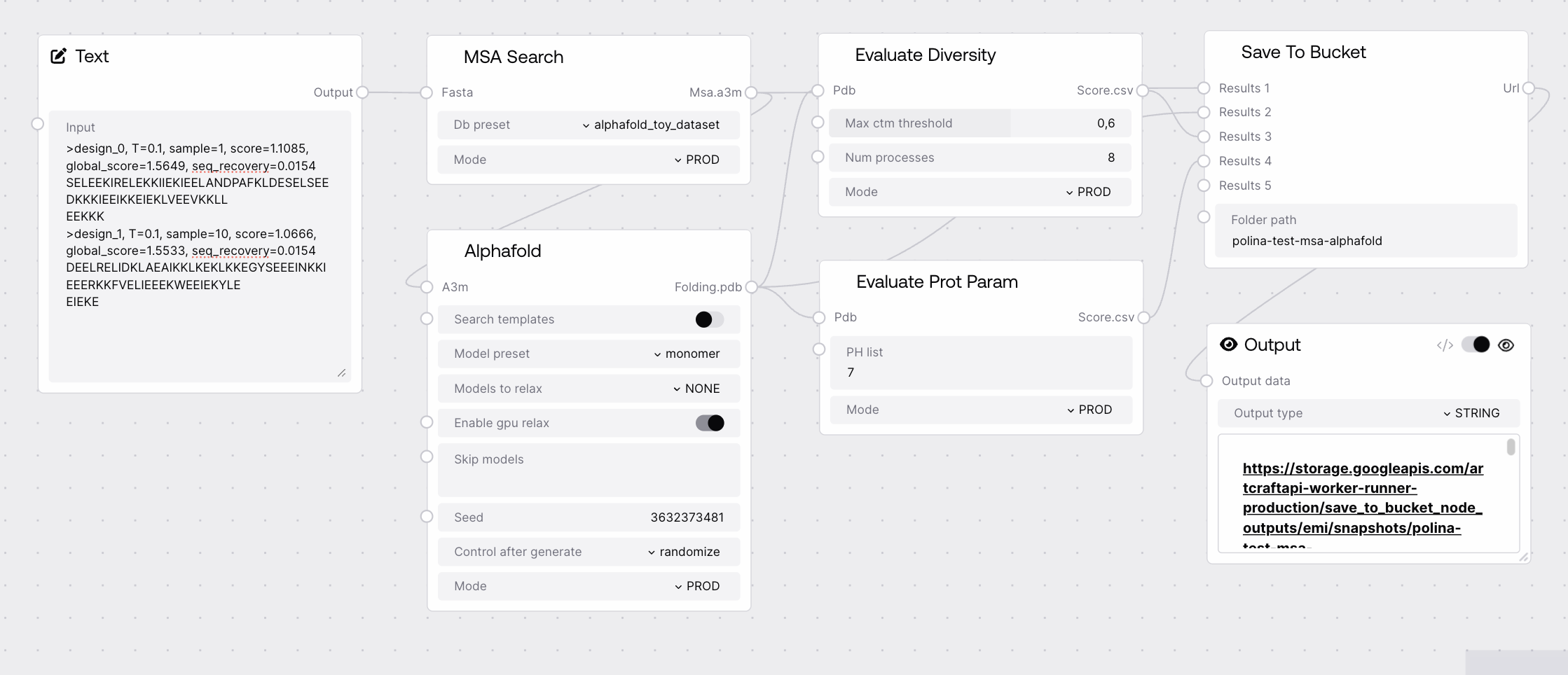
Use this node when you need to persist workflow outputs as a zip archive in Google Cloud Storage for later retrieval, sharing, or external processing. Typical usage is near the end of a workflow: upstream biotech nodes (such as PDB loaders, combiners, and visualization nodes) produce PDB, FASTA, A3M, and metadata, which you connect to the dynamic result inputs provided by the SaveToZip base class. Save To Bucket then zips these results and uploads the archive to the configured folder_path inside the bucket. Commonly, you connect the node’s URL output to an Output node so users can click and download the archive from the Salt UI. For organized storage, choose a stable, descriptive folder_path (for example grouped by project or target) and rely on the automatically injected workflow_execution_id_context to distinguish between separate runs stored under the same folder.
Path to the destination folder within the configured GCP bucket, using Linux-style notation with forward slashes. The folder may already contain archives or other results; new artifacts from this node are merged into that location while remaining uniquely distinguishable per workflow execution via an internal execution id. Avoid trailing slashes and prefer consistent, human-readable segments for easier navigation and organization.
URL of the created zip file that represents the current run’s content saved in the specified bucket folder. This URL can be exposed through an Output node so users can click to download the archive. The exact format (for example, signed URL vs. public object URL) depends on the platform’s GCP bucket configuration and access policies.
Performance: Uploading large or numerous result files to the bucket can be slow and bandwidth-intensive; limit saved artifacts to essential outputs when possible and avoid repeatedly saving very large intermediates.
Limitations: Bucket selection, region, and authentication are managed at the Salt environment level; this node does not allow you to specify custom GCP credentials or change the target bucket directly from its configuration.
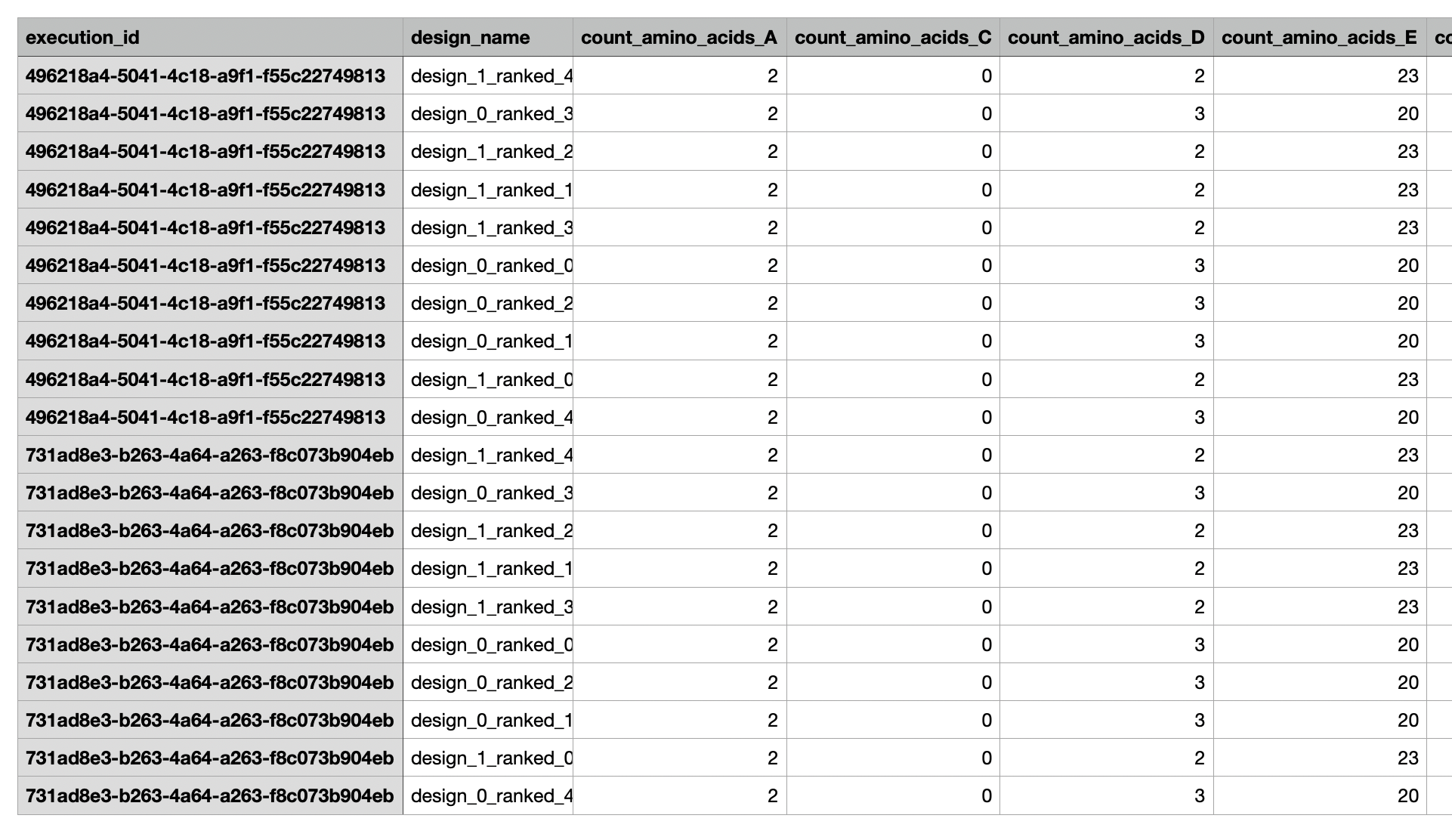
Behavior: Multiple workflow runs may write under the same folder_path. The node uses the workflow_execution_id_context to internally distinguish between runs so that overlapping folder paths do not overwrite each other’s logical result sets.
Behavior: The internal folder structure and file naming inside the zip archive are inherited from the SaveToZipNode implementation and from how upstream outputs are wired into its result inputs; adjusting those connections will change what appears in the saved archive.
Common Error 1: An error mentioning insufficient permissions or access denied when attempting to save indicates that the Salt service account lacks write permissions to the bucket. Verify IAM roles and ensure the configured bucket allows object creation for the service account used by Salt.
Common Error 2: The node returns a URL but opening it yields HTTP 403 or 404. This typically arises from restrictive bucket access settings or expired signed URLs. Check bucket/object ACLs or IAM policies and, if using time-limited URLs, rerun the workflow to regenerate a fresh link.
Common Error 3: Expected files are missing in the downloaded zip. Confirm that the desired upstream outputs are actually connected to the SaveToBucket/SaveToZip result inputs and that the corresponding nodes executed successfully in the current workflow run.
Common Error 4: Stored archives appear disorganized in the bucket. Review your folder_path values for consistency across related workflows and avoid ad-hoc naming; a stable structure such as "project/target/date" simplifies later retrieval and analysis.