
Pipeline Builder
Learn how the Salt visual pipeline builder works.
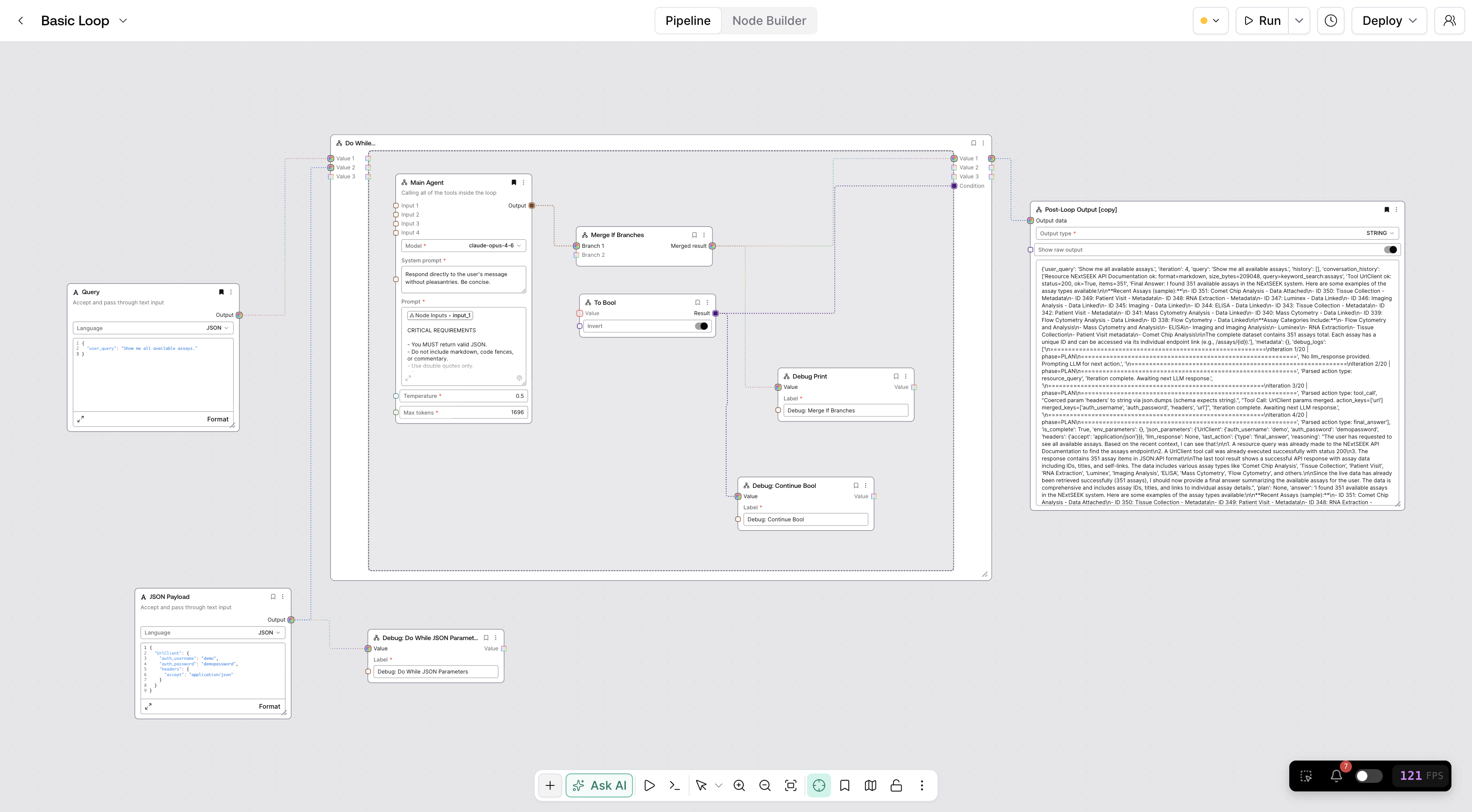
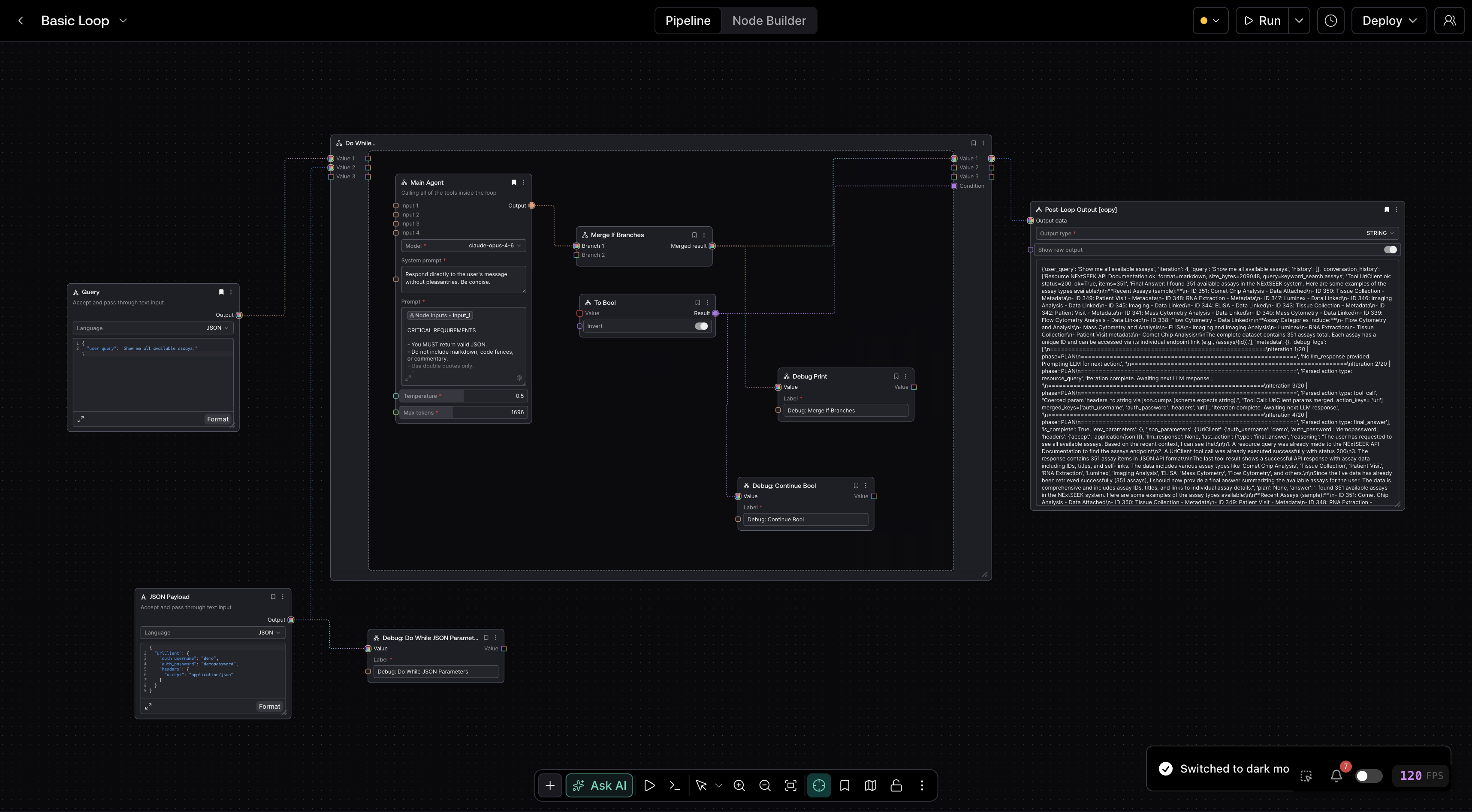
The pipeline builder is where you design AI pipelines by placing nodes on a canvas and connecting them together. It gives you a visual way to define complex data pipelines without writing code.
Interface Overview
The builder is organized around a central canvas with floating panels you open on demand:
- Canvas -- The main workspace where you arrange nodes and draw edges between them. You can pan, zoom, and organize your layout however you like.
- Floating Toolbar -- Controls at the bottom of the canvas for zooming, panning, and fitting the view.
- Node Browser -- A searchable panel for finding and adding nodes. Press A to toggle it. Nodes are organized by category and you can search by name or keyword.
- Properties Panel -- Shows configuration for the selected node. Press P to toggle it, or click any node to open it automatically.
- Run History Panel -- Lists past executions of the current pipeline. Press R to toggle it.
- Logs Panel -- Displays execution logs. Press L to toggle it.
- Minimap -- A small overview of your entire pipeline. Press M to toggle it.
All panels are floating overlays that you toggle with keyboard shortcuts. There are no fixed sidebars. Press ? to see the full list of shortcuts at any time.
Pipeline history is available from the clock control beside the Pipeline title. It contains saved snapshots, including named checkpoints, and is separate from Run History, which lists past executions. See Pipeline Version History for the complete guide.
Key Concepts
Pipelines
A pipeline is a reusable template that defines a sequence of AI operations. Each pipeline lives on its own canvas and can be saved, versioned, shared, and deployed. Think of a pipeline as a recipe -- it describes what to do, and each execution is one run of that recipe with specific inputs.
Nodes
Nodes are the building blocks of a pipeline. Each node performs one operation: calling an LLM, transforming text, fetching data, processing an image, and so on. You configure each node's behavior through the Properties panel (press P or click the node). See Understanding Nodes for details.
Edges
Edges are the lines between nodes that define how data flows. You draw an edge from one node's output handle to another node's input handle. Edges are typed -- the system ensures that connected handles carry compatible data. See Edges for details.
Execution
When you run a pipeline, Salt processes each node in dependency order, passing data along the edges you defined. You can monitor progress in real time as each node completes. See Running Pipelines for details.